
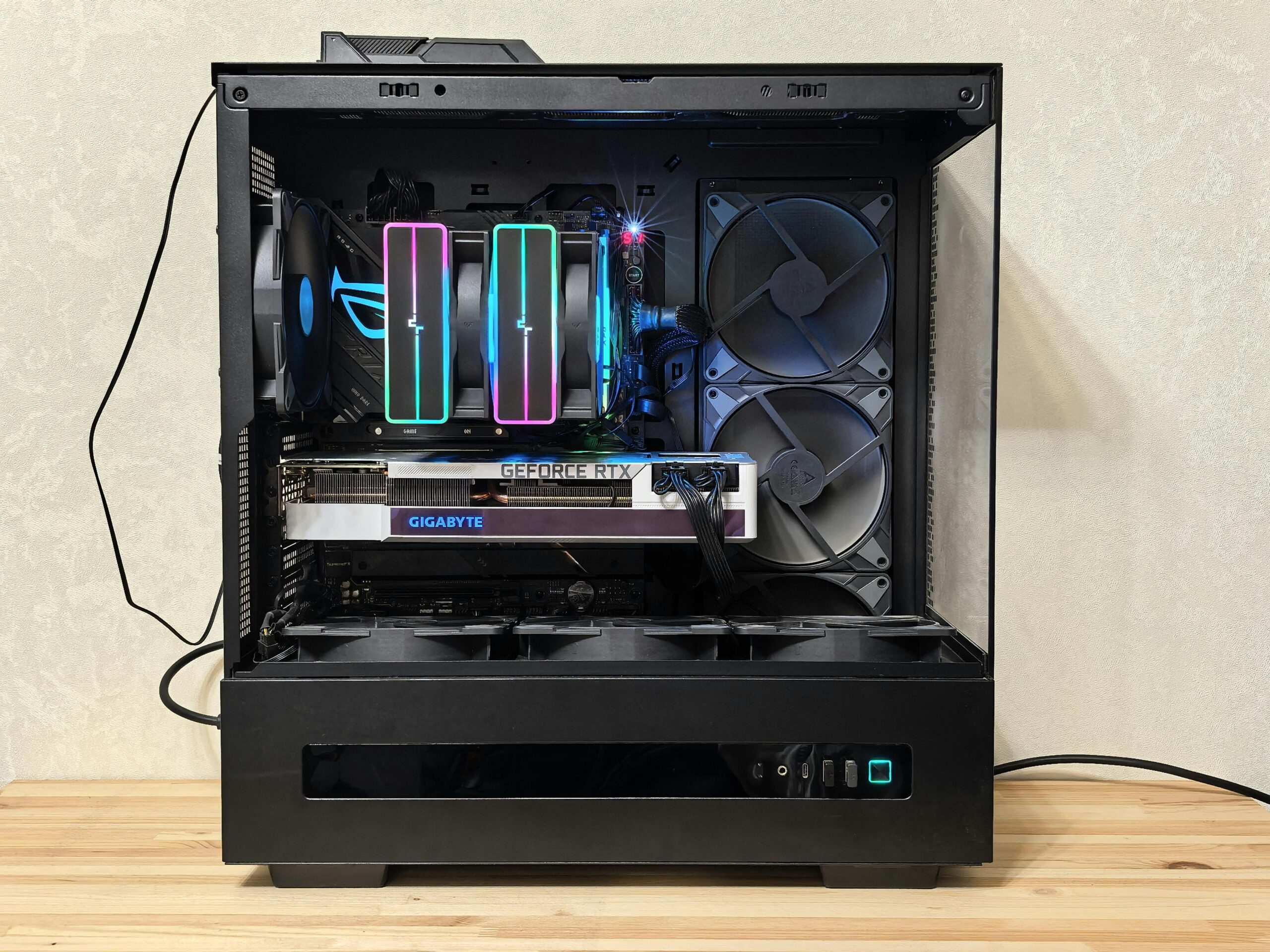
This ₱20,000 gaming PC build is designed for Filipino buyers who want a practical desktop for esports, everyday use, and entry-level gaming. The parts list uses current Philippine price references and may combine new and used options where they offer better value. Check the latest price, stock, condition, shipping, and warranty details before purchasing.
In this guide, we’ll walk you through the complete parts list, estimated PH prices, where to buy, and tips to stretch your budget even further.
Is a ₱20k Gaming PC Build Worth It in 2026?
PC part prices have been climbing in 2026, with RAM and GPU costs rising due to global supply pressures. But is a ₱20k build still worth it? Yes, if you set the right expectations.
At this budget, you’re targeting 1080p gaming at medium-to-high settings on esports titles like Valorant, DOTA 2, CS2, and Mobile Legends: Bang Bang on PC. This build is ideal for students, first-time builders, and anyone who wants a capable daily driver without spending a fortune.
Complete ₱20k Parts List (with PH Prices)
The following parts list was checked in March 2026 and is provided as a reference. Prices, stock, product availability, and seller conditions may have changed. Use the current PC Parts Manila comparison pages to verify each component before purchasing.
| Part | Recommended Model | Est. Price (₱) |
|---|---|---|
| CPU | AMD Ryzen 5 5500 | ₱4,500 |
| Motherboard | Gigabyte A520M (AM4) | ₱2,800 |
| RAM | 16GB DDR4-3200 (2x8GB) | ₱2,200 |
| GPU | RX 6600 (used) | ₱5,500 |
| Storage | 500GB NVMe SSD | ₱1,500 |
| PSU | 550W 80+ Bronze | ₱2,000 |
| Case | Mid-tower budget case | ₱1,200 |
| Total | ~₱19,700 |
Why these parts?
- AMD Ryzen 5 5500 – A strong 6-core AM4 processor that punches well above its price. Perfect for gaming and light multitasking.
- A520M Motherboard – Affordable AM4 board that supports Ryzen 3000–5000 series. Gets the job done for a budget build.
- 16GB DDR4-3200 (2x8GB) – The sweet spot for gaming in 2026. A dual-channel setup improves performance compared to a single 16GB stick.
- RX 6600 / GTX 1660 Super – Both are solid 1080p cards available in the PH used or budget market at this price range.
- 500GB NVMe SSD – Fast boot times, quick game loading. Skip HDDs for your main drive.
- 550W 80+ Bronze PSU – Always buy a reputable PSU. Never cheap out here.
- Mid-tower case – Any decent mid-tower with decent airflow works at this budget.
Prices vary per store and change frequently. Compare current listings for each component on the relevant GPU, CPU, RAM, and PSU.
RX 6600 used-price option in the Philippines
The RX 6600 8GB is one possible graphics-card choice for a ₱20,000 build when a reasonably priced used unit is available. Before buying, confirm the exact model, condition, remaining warranty, seller reputation, return policy, and whether the card has been tested. Compare the current GPU listings on PC Parts Manila before deciding between an RX 6600, GTX 1660 Super, or another available option.
Where to Buy These Parts in the Philippines
You have two main options: online or physical stores.
Online Stores
- Shopee & Lazada – Widest selection and often the lowest prices. Stick to official brand stores or highly rated sellers with 4.8+ ratings and thousands of reviews to avoid fake or defective parts.
- Store websites – Many PH shops like EasyPC and DynaQuest have their own online shops with installment options.
Physical Stores
- EasyPC – Branches across Metro Manila and Visayas. Great for bundles and warranty support.
- PCHub – Popular in Metro Manila, known for competitive pricing.
- DynaQuest PC – Reliable shop, good customer service, available on Shopee too.
- PC Express (PCX) – Wide inventory, branches in malls nationwide. Check the individual product or retailer policy for warranty coverage, return conditions, and after-sales support.
- GameOne / Bermore – Good alternatives worth checking for deals.
Pro tip: Before visiting a store or checking out online, compare the current listings on our PC parts price comparison pages.
Can You Go Lower? Cheaper Alternatives Under ₱15k
If ₱20k is still tight, here are ways to bring the cost down:
- Choose an APU build: Replace the Ryzen 5 5500 and discrete GPU with a Ryzen 5 5600GT if your priority is basic productivity and light or esports gaming without a dedicated graphics card. The 5600GT includes integrated Radeon graphics, but performance will depend heavily on dual-channel RAM and the game settings. Add a discrete GPU later when your budget allows.
- Skip the discrete GPU for now – Build without a GPU first, use the APU, then add a GPU later when budget allows.
- Buy a second-hand GPU – A used RX 580 or GTX 1060 6GB from a trusted Shopee seller or a friend can save you ₱2,000–3,000.
- Downsize RAM to 8GB – You can start with 8GB and upgrade later. Just make sure you’re buying a single stick so you can add a matching one down the road.
Compare CPU prices in Metro Manila and GPU prices in Metro Manila before choosing the final parts.
Tips Before You Buy
A few things that can save you money and headaches:
- Buy CPU + motherboard as a bundle. Many PH shops offer discounts when you buy them together. Ask at DynaQuest, PCHub, or EasyPC.
- Check Shopee flash sales. 10.10, 11.11, and payday sales regularly drop PC parts prices by 5-15%.
- Never buy a used PSU. It’s the one part you always want brand new. A failing PSU can damage your entire build.
- Check RAM compatibility. Make sure the RAM speed is supported by your motherboard. For an A520M board, DDR4-3200 is the sweet spot.
- Factor in peripherals if this is your first PC – monitor, keyboard, and mouse can add ₱2,000-4,000 to your total.
Frequently Asked Questions
Worth it ba mag-build ng PC sa 2026?
Yes, especially for esports and 1080p gaming. Prices are higher than in previous years. Building your own PC can offer better value than a prebuilt at the same budget, but the difference depends on current parts prices, assembly fees, warranties, and promotions.
Kaya ba ng ₱20k gaming PC ang Valorant at DOTA 2?
This class of build is suitable for 1080p esports gaming, but actual FPS will vary by GPU model, game settings, drivers, and system configuration. Check independent benchmarks for the exact GPU before purchasing.
Prebuilt or DIY: Which is cheaper in PH?
DIY can be cheaper peso-for-peso when you compare equivalent parts, warranties, assembly costs, and promotions.
Saan pinaka-mura ang PC parts sa Philippines?
Prices vary week to week. The fastest way to find the lowest price is to compare across PH stores at pcpartsmanila.com – weekly updated.
Kailangan ba ng RGB sa budget build?
No. RGB adds cost with zero performance benefit. Skip it at this budget and invest the savings in better RAM or storage.
Ready to Build?
Don’t overpay for your parts. Before checking out, compare the latest GPU, CPU, RAM, and PSU listings on PC Parts Manila.