
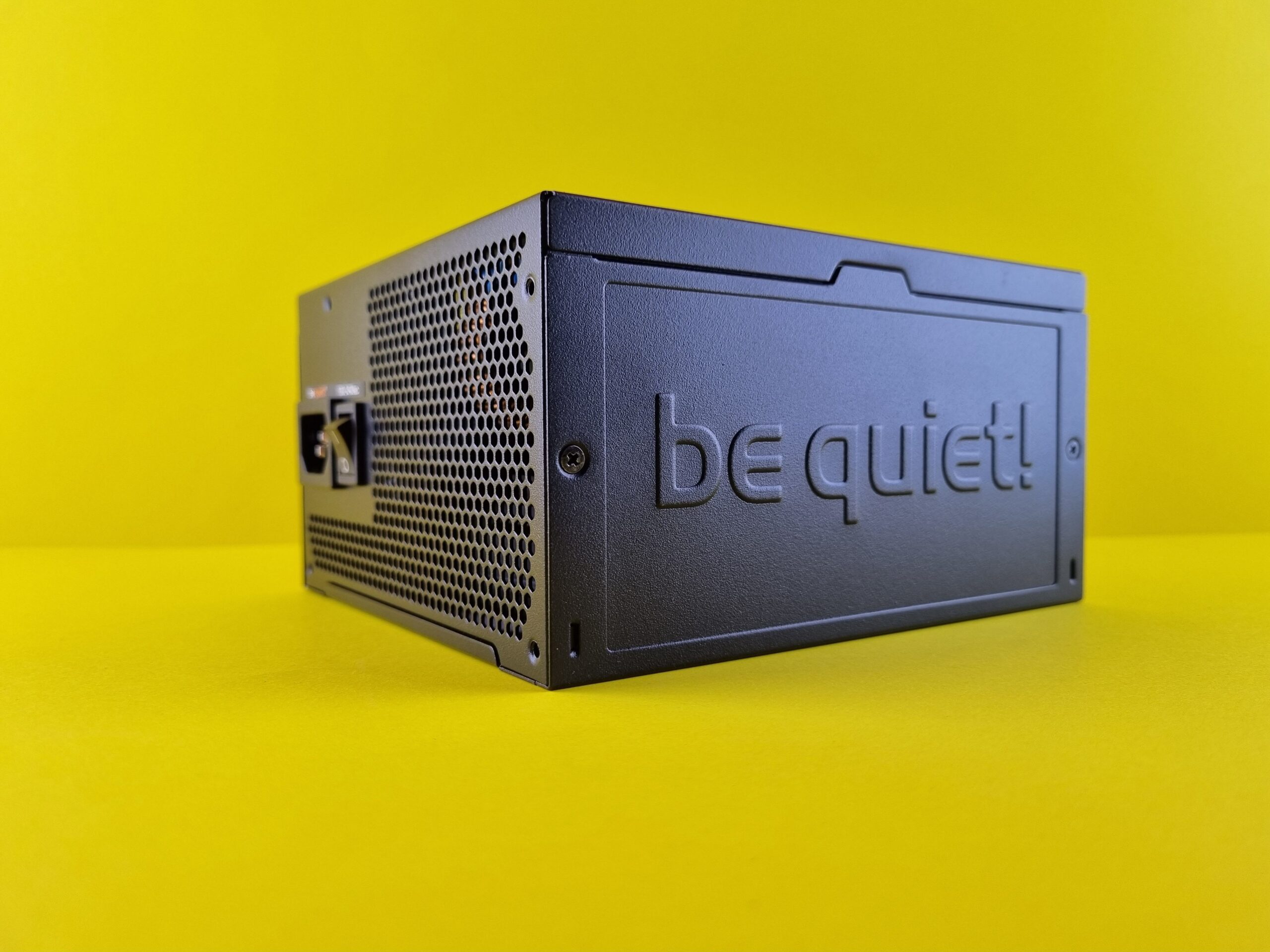
Upgrading your graphics card without checking your power supply is one of the fastest ways to wreck a budget build. A failing PSU can cause random shutdowns, system instability, or even permanent damage to your GPU and motherboard. Here’s how to check if your current PSU can handle a new GPU, and when it’s time to upgrade.
Step 1: Find Your PSU’s Wattage Rating
Your PSU’s maximum wattage is printed on a label on the side of the unit. Common ratings include 450W, 550W, 650W, 750W, and 850W. If you can’t open your case, search your PC or PSU model number online; prebuilt systems from Dell, HP, or local brands often list PSU specs on the manufacturer’s website.
Step 2: Check Your GPU’s Power Requirements
Visit the GPU manufacturer’s official page (NVIDIA, AMD, or Intel) and look for the “Recommended PSU Wattage” or “TDP” (Thermal Design Power). For example:
- RTX 4060 Ti: 160W TDP, recommended 550W PSU
- RTX 4070 Ti: 285W TDP, recommended 750W PSU
- RX 7700 XT: 245W TDP, recommended 700W PSU
Note that manufacturers list system wattage recommendations, not just GPU wattage, meaning they already account for CPU, RAM, and storage.
Browse our full selection: GPUs
Step 3: Calculate Your Total System Power Draw
Add up the power consumption of all your major components:
- GPU: Use the TDP from Step 2
- CPU: Look up TDP on Intel or AMD’s spec pages (e.g., Ryzen 5 5600 = 65W, Core i5-13600K = 125W)
- Motherboard, RAM, SSD, fans: Typically 50–100W combined for most builds
Example calculation:
| Component | Power Draw |
|---|---|
| RTX 4070 Ti | 285W |
| Ryzen 5 7600 | 65W |
| Motherboard + RAM + SSD | 80W |
| Total | 430W |
Step 4: Apply the 80% Safety Rule
Your PSU should never run at 100% capacity. Aim to keep your total system draw below 80% of your PSU’s rated wattage to account for power spikes and aging components.
Formula:
Safe max draw=PSU wattage×0.8
For a 550W PSU: 550W × 0.8 = 440W safe max draw.
If your calculated system draw (430W in the example above) is close to or exceeds this number, you’re in the danger zone and should upgrade.
Step 5: Check PSU Connectors
Modern GPUs require specific PCIe power connectors:
- 6-pin: Up to 75W
- 8-pin (6+2): Up to 150W
- 12-pin (12VHPWR): RTX 40-series cards, up to 600W
Verify that your PSU has the correct native cables. Avoid using multiple adapters or daisy-chained cables for high-end cards, as this can cause overheating or connector melting.
Step 6: Use an Online PSU Calculator
For a faster, more accurate estimate, use a free PSU calculator:
- OuterVision PSU Calculator: outervision.com/power-supply-calculator
- be quiet! PSU Calculator: bequiet.com/en/psucalculatoryoutube
- PCPartPicker: Shows estimated system wattage at the bottom of your build
Enter your CPU, GPU, RAM, storage, and fans – the tool will recommend a minimum PSU wattage with headroom built in.
Step 7: Stress Test (Optional but Recommended)
If you already have the GPU installed, stress test your system to confirm stability:
- FurMark or Unigine Heaven: GPU stress benchmarks
- HWInfo or HWMonitor: Monitor 12V rail voltage during stress tests
If your 12V rail drops below 11.7V under load, your PSU is out of spec and may cause crashes or damage.
When to Upgrade Your PSU
Replace your PSU if:
- Your total system draw exceeds 80% of your PSU’s rating
- Your PSU is older than 5-7 years (internal capacitors degrade over time)
- It’s a generic, unbranded unit (common with prebuilts or cheap cases)
- You lack the required PCIe power connectors for your new GPU
- Your system randomly shuts down during gaming or stress tests
Shop reliable units: PSUs
Best PSU Brands Available in the Philippines
For reliability and safety, stick to 80 Plus Bronze (minimum) or Gold-rated PSUs from trusted brands:
- Corsair (RM, CX, CV series)
- Seasonic (Focus, Core series)
- Cooler Master (MWE series)
- be quiet! (System Power, Pure Power)
- FSP, Thermaltake, Deep Cool (budget-friendly options)
Avoid “grey box” or no-name PSUs. They often lack proper protection circuits and can fail catastrophically under load.
Quick Reference: PSU Recommendations by GPU Tier
| GPU Tier | Example Cards | Minimum PSU | Recommended PSU |
|---|---|---|---|
| Entry (1080p) | GTX 1650, RX 6600 | 450W | 550W |
| Mid (1440p) | RTX 4060 Ti, RX 7700 XT | 550W | 650W |
| High (1440p–4K) | RTX 4070 Ti, RX 7800 XT | 650W | 750W |
| Enthusiast (4K) | RTX 4080, RTX 4090 | 750W | 850W–1000W |
Ready to upgrade? Browse our GPUs and match them with a reliable PSU for a stable, high-performance build.