
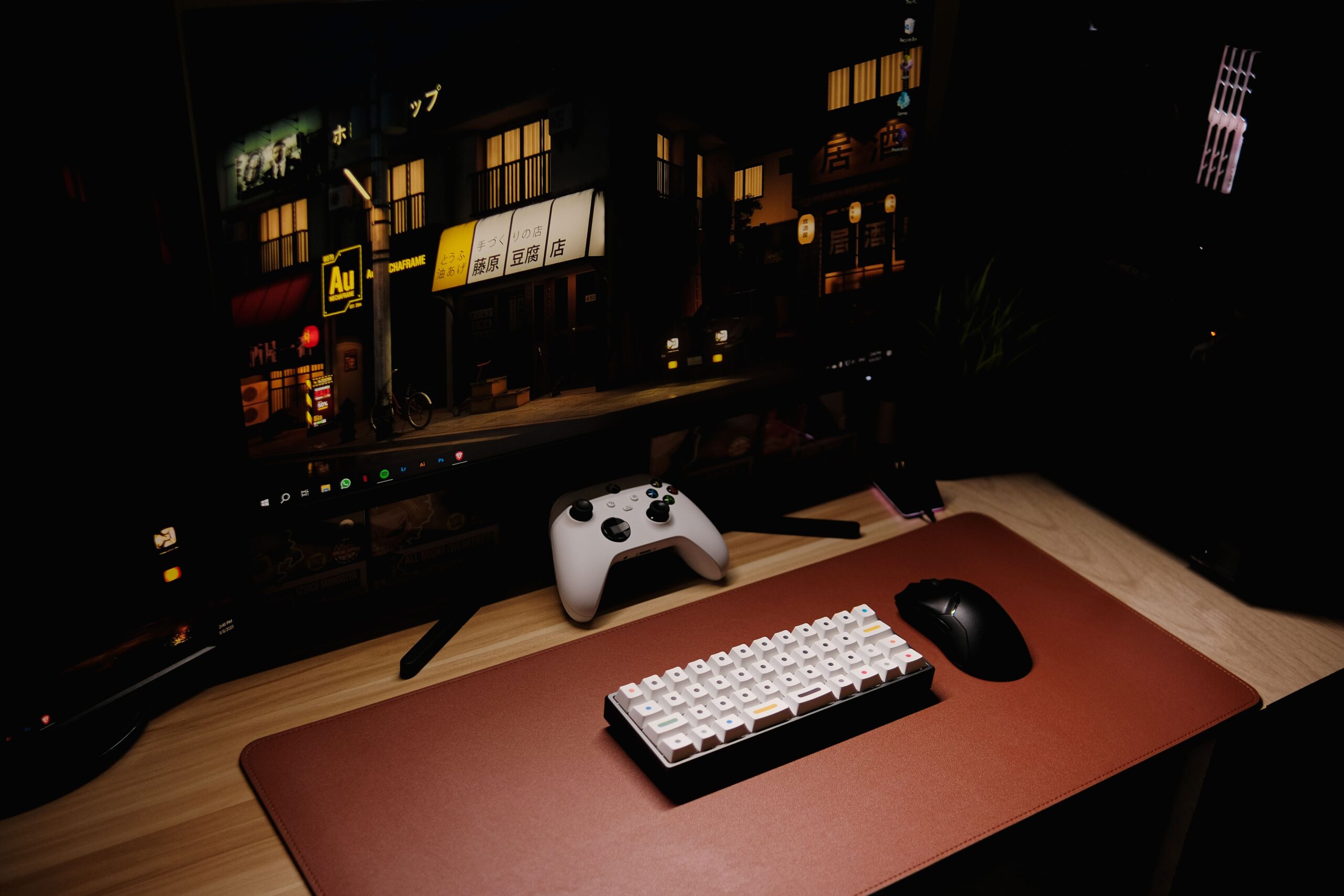
A ₱30,000 gaming PC build in the Philippines is still possible in 2026, but the best setup depends on what matters most to you. If you want all-new parts, warranty coverage, and an easy upgrade path, an APU build based on the Ryzen 5 5600G is the safer choice. If gaming performance is the priority, a used GPU build can give you much better 1080p performance while staying close to the same budget.
This guide covers both approaches so you can decide where your money is better spent. Prices are estimates and can change depending on the store, stock availability, and ongoing sales, so it is worth checking current listings before buying.
Best ₱30K PC Build Options in 2026
Best for all-new parts: Ryzen 5 5600G APU build
Best for gaming performance: Ryzen 5 5500 + used RX 6600
Best for lower buying risk: APU build with new components
Best for future GPU upgrades: Ryzen 5 5600G with a quality 550W+ PSU
If you mainly play esports titles and also need the PC for school, office work, browsing, or general productivity, the all-new APU build is already enough for many users. If you want to play more demanding games at 1080p, the dedicated-GPU option makes much better use of a ₱30K gaming budget.
Why a ₱30K PC Build Is Trickier in 2026
Building around a strict ₱30,000 budget has become more challenging because graphics cards, RAM, and SSDs can take up a large portion of the total cost. Newer GPUs in particular can consume most of the budget before you even add the processor, motherboard, memory, storage, power supply, and case.
That is why the most practical choices at this price point are either an APU that can run games without a dedicated graphics card or a more gaming-focused build using a carefully selected secondhand GPU.
You can also check our PC parts price update for the Philippines for more context on current component pricing.
Option 1: All-New ₱30K APU Build
This is the safer option if you prefer buying new components and want a PC that works immediately without needing a dedicated graphics card. The Ryzen 5 5600G includes Radeon integrated graphics, allowing you to play lighter and esports-focused games while leaving room for a future GPU upgrade.
CPU: AMD Ryzen 5 5600G with integrated graphics
Estimated price: ₱6,500
Motherboard: Gigabyte A520M DS3H / MSI A520M-A Pro
Estimated price: ₱3,500
RAM: 16GB (2x8GB) DDR4-3200
Estimated price: ₱2,600–₱5,600
Storage: Kingston NV3 1TB NVMe SSD
Estimated price: ₱3,200
PSU: MSI MAG A550BN 550W 80+ Bronze
Estimated price: ₱2,700
Case: Tecware Flatline / Inplay Meteor Series
Estimated price: ₱1,800
Estimated total: ₱20,300–₱23,300
This build comes in well below the full ₱30,000 ceiling, and that is not necessarily a bad thing. Instead of buying more expensive parts just to use the entire budget, you can keep the remaining money for a monitor, keyboard, mouse, additional storage, or a future graphics card.
The Ryzen 5 5600G is suitable for games such as Valorant, Dota 2, League of Legends, and CS2 at 1080p with sensible settings. It is also more than capable of handling schoolwork, office applications, browsing, streaming, and general everyday use.
If you plan to add a dedicated GPU later, make sure your power supply has enough capacity and the correct connectors. Our guide on how to check if your PSU is enough for your GPU can help you plan the upgrade.
Option 2: ₱30K Gaming Build With a Used GPU
If gaming performance matters more than having every component brand new, a used RX 6600 can completely change what this budget can do. Pairing it with a Ryzen 5 5500 gives you a much stronger 1080p gaming system than relying on integrated graphics alone.
CPU: AMD Ryzen 5 5500 with stock cooler
Estimated price: ₱5,449
Motherboard: Gigabyte A520M K V2
Estimated price: ₱3,459
GPU: Used Radeon RX 6600 8GB
Estimated price: ₱12,443 or less
RAM: T-Force Vulcan 16GB (2x8GB) DDR4-3200
Estimated price: ₱2,599
SSD: Lexar NM710 500GB NVMe SSD
Estimated price: ₱2,195
PSU: MSI MAG A650BN 650W
Estimated price: ₱3,399
Subtotal before case: ₱29,544
The important thing to note is that this configuration is already close to ₱30,000 before adding a case. A basic case can add roughly another ₱1,500–₱2,000, so the realistic final total may land closer to ₱31,000–₱32,000 unless you find better deals on some of the parts.
If you need to stay strictly below ₱30K, the easiest way to bring the total down is to look for a cheaper used RX 6600, catch CPU and motherboard bundle deals, or reuse a compatible case that you already own.
Before buying a secondhand GPU, compare it against current new-card pricing on our GPU price comparison page. A used card is only a good deal if the savings are large enough to justify the additional risk.
What Can a ₱30K Gaming PC Run?
The answer depends heavily on whether you choose the APU build or the dedicated-GPU build.
Ryzen 5 5600G APU Build
The Ryzen 5 5600G is best suited for esports titles and lighter games. Valorant, Dota 2, League of Legends, and similar games are generally a much better fit for this setup than demanding modern AAA titles.
For heavier games, you may need to reduce resolution, graphics quality, or both. The main advantage is that the PC remains usable without a graphics card, and you can upgrade later when your budget allows.
Ryzen 5 5500 + RX 6600 Build
The RX 6600 build is the stronger choice for gaming. It is designed for 1080p gaming and gives you significantly more performance headroom than the integrated graphics in the Ryzen 5 5600G.
If your main goal is to play modern games rather than simply build the safest all-new system, this is the route that makes more sense, provided you are comfortable buying a used graphics card.
Current GPU Pricing and Why ₱30K Is Tight
A strict ₱30,000 gaming PC budget becomes difficult once you start looking at newer dedicated graphics cards. Many current GPUs can use up more than half of the total budget by themselves.
For example, current listings for RTX 5050 and RTX 5060 models can already sit well into the five-figure range, leaving much less money for the CPU, motherboard, RAM, storage, PSU, and case.
This is why a secondhand RX 6600 or a similar older-generation card can still make sense for builders who care more about gaming performance than buying every component new.
Check our regularly updated GPU prices in Metro Manila before buying so you can compare current store listings against secondhand offers.
How to Save Money on a ₱30K PC Build
Look for CPU and motherboard bundles. Retailers sometimes offer better pricing when both components are purchased together.
Compare prices across several stores. Even a few hundred pesos saved on multiple components can make a big difference in a strict budget build.
Wait for major online sale periods. Shopee and Lazada vouchers can sometimes reduce the cost of RAM, SSDs, cases, and other components.
Consider a used GPU carefully. A secondhand graphics card can provide the biggest performance improvement at this budget, but inspect the card and seller before buying.
Skip cosmetic upgrades. RGB fans and premium cases should come after performance and power supply quality.
Reuse parts when possible. An existing case, SSD, or storage drive can free up several thousand pesos for the GPU or CPU.
Compare Current PC Part Prices
Prices can change quickly, so it is worth checking current listings before finalizing your parts list.
Compare CPU prices in Metro Manila.
Compare GPU prices in Metro Manila.
Compare RAM prices in Metro Manila.
Compare PSU prices in Metro Manila.
Compare Internal SSD prices in Metro Manila.
Is ₱30K Enough for a Gaming PC in 2026?
Yes, but expectations matter. A ₱30,000 budget is enough for an all-new PC that can handle productivity, schoolwork, everyday use, and esports gaming. A Ryzen 5 5600G build is a practical option if you want new parts and a straightforward upgrade path.
If you want noticeably stronger gaming performance, a used GPU is usually the better way to spend the budget. A Ryzen 5 5500 paired with an RX 6600 can offer a much better 1080p gaming experience, although the final build may go slightly over ₱30K once the case is included.
For demanding AAA games with higher graphics settings, you will have more flexibility with a larger budget. But for esports, general gaming, and a system you can gradually upgrade, ₱30K is still a workable starting point in the Philippines.
Frequently Asked Questions
Is ₱30K enough for a gaming PC in the Philippines?
Yes. A ₱30,000 budget can still build a capable entry-level gaming PC in 2026. An APU build works well for esports and general use, while a build with a used GPU can provide much better 1080p gaming performance.
Is the Ryzen 5 5600G good for a ₱30K PC build?
Yes. The Ryzen 5 5600G is a practical choice for an all-new budget build because it includes integrated graphics. You can use the PC without buying a dedicated graphics card immediately and add one later.
Is an RX 6600 still good for a budget gaming PC?
The RX 6600 is still a useful option for a budget-focused 1080p gaming build, especially when bought secondhand at a good price. Its main advantage is that it delivers much stronger gaming performance than an APU while remaining cheaper than many newer graphics cards.
Should I buy a used GPU for a ₱30K build?
A used GPU can offer excellent value, but it carries more risk than buying new. Check the seller’s reputation, physical condition of the card, temperatures under load, warranty status, and whether the GPU has any stability issues before buying.
Should I spend the full ₱30K on the APU build?
Not necessarily. If the Ryzen 5 5600G build already meets your needs, there is no reason to buy more expensive parts simply to reach the budget limit. The remaining money can go toward a better monitor, peripherals, additional storage, or a future graphics card upgrade.